PDF24 Tools
by PDF244.7
81 reviews
80.0K
users
Published
May 23, 2024
Screenshots



Description
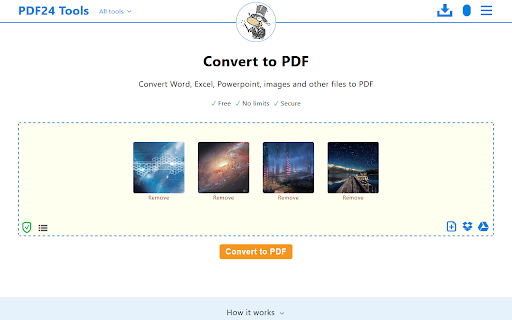
This app brings the PDF24 tools to your Chrome browser and makes you more productive. Around 30 easy-to-use PDF tools are available for free.
★ Quick access to all free PDF24 tools:
- Merge and split
- Compress, edit, convert, sign, redact, annotate
- Protect and unlock with password
- Rotate, delete, extract, move pages
- Convert images, Word, Excel and other formats to a PDF and vice versa
- Text recognition via OCR
- Insert watermarks and page numbers
- Overlay and compare documents
★ PDF24 widgets in search engine results pages
This extension adds PDF24 widgets to specific search engine results pages. For example, if you search for “merge PDF” in Google, PDF24’s merge widget will be loaded and embedded in the search results. User can use this widget to merge files without leaving the search results page.
★ New page context menu item to convert a website
The extension adds a page context menu item to convert the current page to a PDF file.
★ Extension of Chrome's internal PDF viewer with useful functions
The extension adds a PDF24 icon to Chrome's internal PDF viewer. The user can then use the functions of this icon to do something with the displayed file, e.g. compress, sign, edit, convert, etc.
Add to Chrome
Quick Info
- Version
- 1.5.3
- Size
- 485KiB
- Price
- Free
- Type
- Extension
Categories
Languages
DeutschEnglishNederlandsTiếng ViệtTürkçeespañolfrançaisitalianomagyarpolskiromânăsvenskačeštinaΕλληνικάрусскийไทย日本語한국어