Jira for Chrome
by Rajbir Jawanda807
users
Published
October 6, 2022
Screenshots

Description
How long does it take currently for you to access your work in Jira?
10 seconds? 15 seconds? longer 🤯 ?
Now you can access your work in under just 1 second ⚡️
Simply install this extension and hit ⌘J for Mac or Alt+J for Windows to experience lighting fast Jira Issue Navigator
🎉 Features:
Boost your Productivity working with Jira Cloud by enabling quick access to:
- Open Issues assigned to your in Jira
- Recently viewed issues in Jira
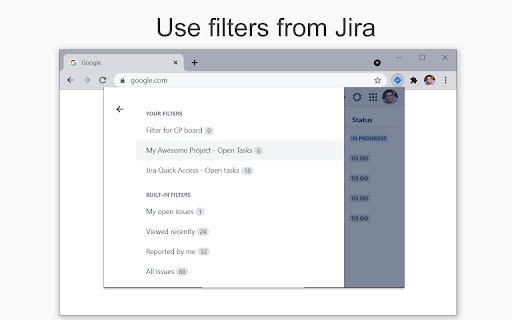
- Jira filters you have created in Jira
- Shared filters that you have marked as favourite in Jira
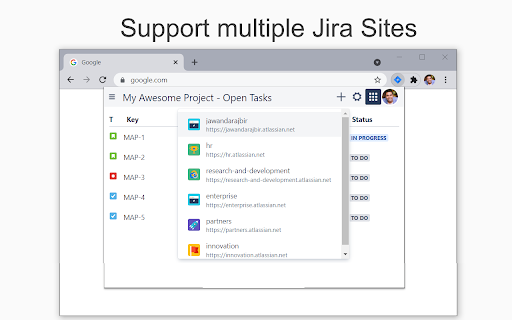
- Switch between multiple Jira Products (linked to your account)
- Your Atlassian profile and Account settings
- Create a new Jira issue
- Dark mode
🤝 Supported Jira versions:
The following products in Jira Cloud are supported:
- Jira Software
- Jira Work Management
- Jira Service Management
Jira Server on custom domains is not currently supported.
✉️ Disclaimer
- I am not affiliated with Atlassian in any way.
- The JIRA logo belongs to Atlassian and is obtained from the AtlasKit.