Copytables
by merribithouse.net4.3
228 reviews
100.0K
users
Published
November 11, 2024
Screenshots


Description
- Hold Alt and click to select cells, Alt + Ctrl to select a column...
- or use hotkeys and menus to select and copy.
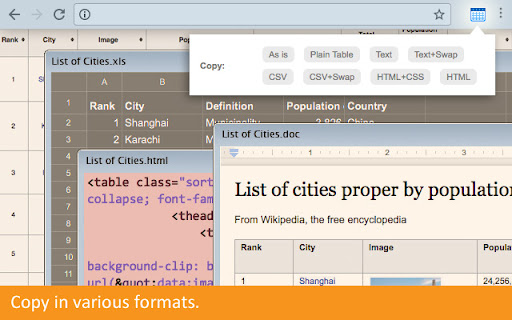
- Copy as rich text (for Word), as tab or comma-delimited text (for Excel), as HTML (for your website).
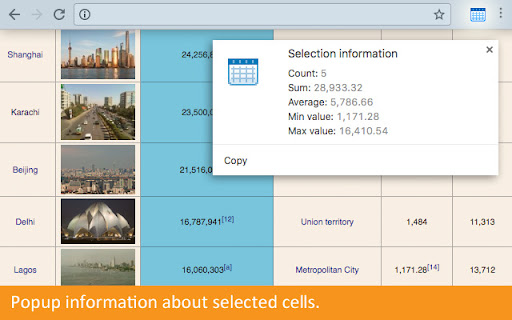
- Popup information about selected cells (Sum, Average etc)
- Everything configurable.