Open Multiple Links and URLs
by Initial condition5.0
2 reviews
119
users
Published
December 17, 2024
Screenshots

Description
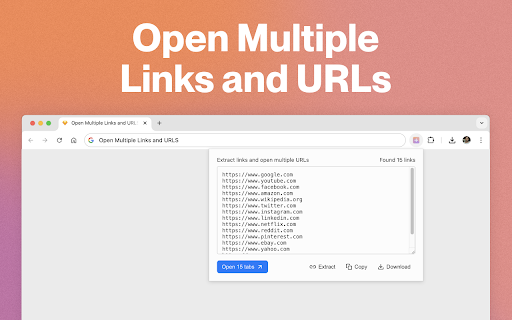
Open multiple URLs at once with a single click!
Whether you have a document, a list of URLs, or just some text with links, our simple tool will open all the URLs in new tabs for you. Unlike other similar extensions, this tool supports both plain-text and HTML formats of the input text.
How to Use the Multiple Links and URLs Opener:
Using the Toolbar Button (supports plain text):
Just click the toolbar button, paste your text, and then click "Open" or "Copy" to get started!
Using the Context Menu (supports both plain text and HTML):
Highlight any text on a website (plain text or HTML), right-click, and select either "Copy" to extract and copy the links to clipboard or select "Open" to launch all the links in new tabs.
Enjoy effortless browsing!
Add to Chrome
Quick Info
- Version
- 1.1.0
- Size
- 499KiB
- Price
- Free
- Type
- Extension
Categories
Languages
English (United States)