TabSaver
by parmsambuildsapps3
users
Published
December 17, 2022
Screenshots
Description
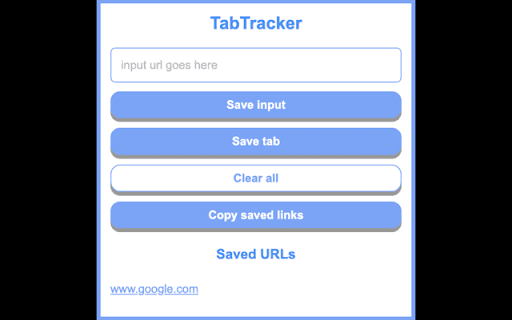
A Chrome extension to save URLs that may be important to you. Allows users to save links to browser local storage and easily access or copy their saved links. Users can manually input URLs to save into their browser local storage via a simple button press. Alternatively, they can just save the currently open tab link. Keyboard shortcut to open the extension is Ctrl + Shift + F.
Add to Chrome
Quick Info
- Version
- 1.0.0
- Size
- 65.98KiB
- Price
- Free
- Type
- Extension
Categories
Languages
English (United States)