RabbitHole
5.0
5 reviews
126
users
Published
March 23, 2024
Screenshots
Description
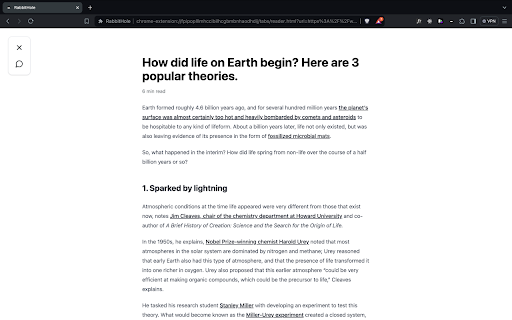
When you're reading an article online you can press the keyboard shortcut Opt+L (Alt+L on Windows) and this will bring you in "Reading Mode".
In "Reading Mode", all the distractions are removed and you can use features to read and understand the article faster.
The features include:
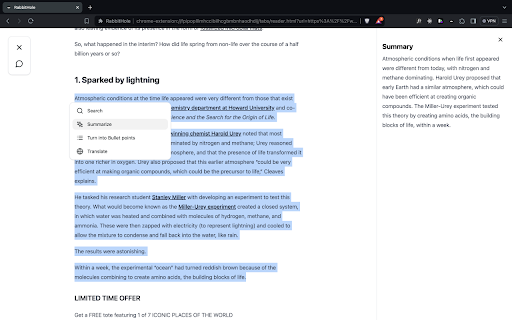
- summarize paragraphs
- turn paragraphs into bullet points
- translate sentence into 40+ languages
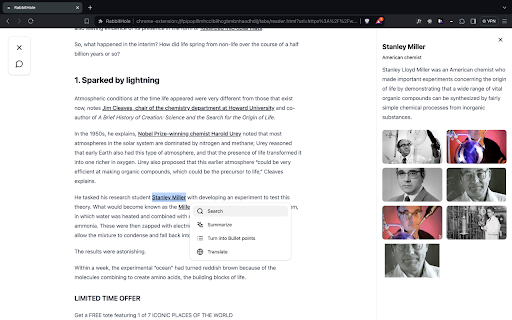
- do a google search for a concept you don't know without leaving the page
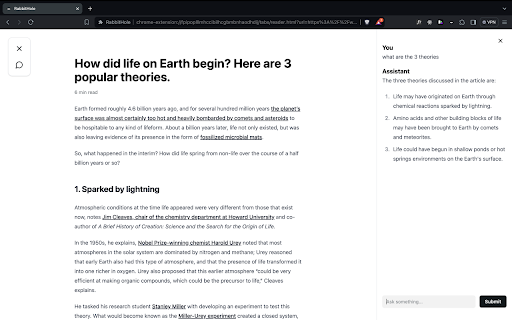
- chat with the article: ask questions and get clear and direct answers without having to read the entire article