Capture to a Gif
by NoneGame3.4
176 reviews
50.0K
users
Published
July 15, 2024
Screenshots



Description
It is a little tool which can help you to record animations , videos and everything else on your browser page to an animated gif picture.
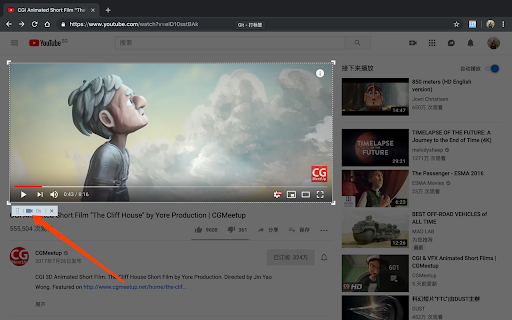
Its operation is very simple. After starting the extension, you only need to move the mouse on the page and click to accurately select the element you want to record, or you can select any area by dragging the mouse. At the same time, the corresponding operations in the recording process have shortcut keys that can be used, and the shortcut keys support customization.
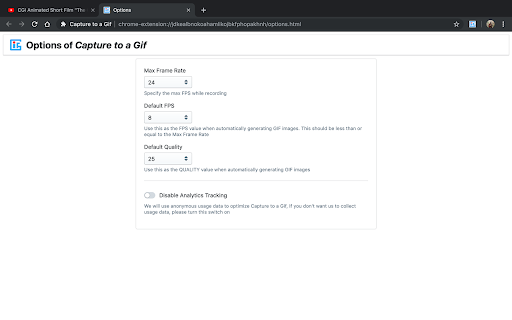
After the recording is over, the page that generates the gif animation will automatically open, and you will see the generated gif image on this page. The best part is that you can also adjust the relevant parameters to regenerate. The adjustable parameters are: FPS, quality, width, and height. The default parameter values can be configured on the option page.
In addition to recording as a gif animation, we also provide a function of capturing as a png image for your convenience.
Add to Chrome
Quick Info
- Version
- 0.3.2
- Size
- 1.4MiB
- Price
- Free
- Type
- Extension
Categories
Languages
DeutschEnglishfrançais中文(中国)日本語