
Hide!!! - Panic Button and Tab Manager
by Velvet Market4.0
30 reviews
7.0K
users
Published
March 19, 2022
Screenshots


Description
Pretend like you're working with Hide!!!
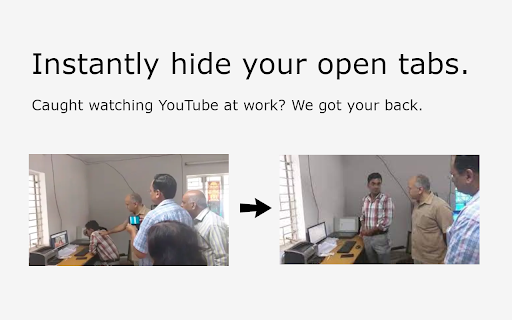
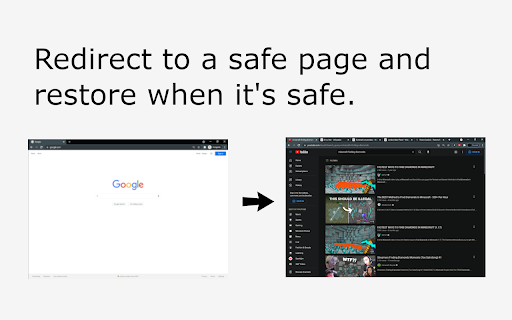
Hide!!! allows you to close your tabs in a pinch and then restore them when the coast is clear. When you close your tabs, Hide!!! will also redirect you to a safe page so you can disguise what you were doing. If the option is enabled, Hide!!! can also clear your history--to fully cover your tracks.
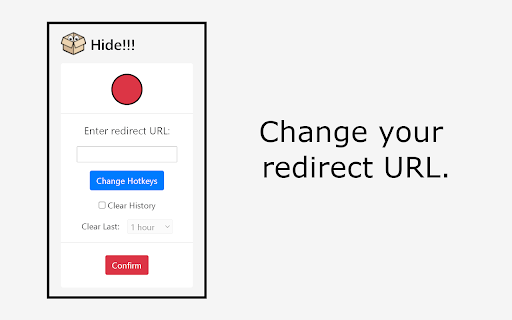
By default, the hotkeys are (Alt + P) to "hide" and (Alt + O) to "restore". The default redirection page is "google.com". To change these settings and more, click on the Hide!!! icon in your Chrome Toolbar.
=======================================================
To see the source code for our project, please visit https://github.com/velvet-market/Hide
Made by Velvet Market. Developed by Hao Zheng and Eugene Li.
=======================================================
If you enjoyed our extension (or didn't), we would really appreciate a review with your honest feedback!
Add to Chrome
Quick Info
- Version
- 1.3
- Size
- 1.71MiB
- Price
- Free
- Type
- Extension
Categories
Languages
English (United States)