5.0
16 reviews
3.0K
users
Published
October 6, 2025
Screenshots



Description
Overview:
Download this extension and sign-in to to your Ruttl account, and get the ability to review password-protected sites or login-based apps on Ruttl.
Go through the 3 simple steps explained below to begin reviewing:
Steps:
1. Download our Chrome extension: Download the extension and pin it for easier access.
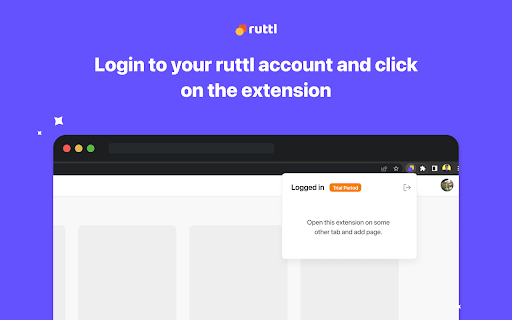
2. Click on the extension to login with your Ruttl account: Once you’ve added the extension to your browser, please click on the same to login with your Ruttl account.
3: Open your site or app in a new tab, click on our extension and select the type of project you'd like to create:
For website projects - Add new projects, or add new pages to your existing projects & review them quickly.
For web apps - Once you open your web app in the logged-in state, scroll to the bottom of the page, click on our extension and add it to your project.
For bug tracking - Once you open your site in a new tab, click on our extension, create a new project and you'll be able to instantly see the floating action pill on the bottom-left of your screen. Now create tickets, which will reflect on your project (dashboard/workflow). You can also add tickets to your existing project(s) respectively once you switch the toggle on for that project.