Readera For PC,Windows and Mac (Free Use)
by sohan.rana.sumi1.4
9 reviews
8.0K
users
Published
March 21, 2024
Screenshots
Description
Discover books effortlessly on Readera for PC, Windows, and Mac. Search by author, track new releases, and ensure a safe YouTube experience for kids with built-in keyword and URL blocking features. Simple, user-friendly, and efficient.
✅ Readera Extension Features
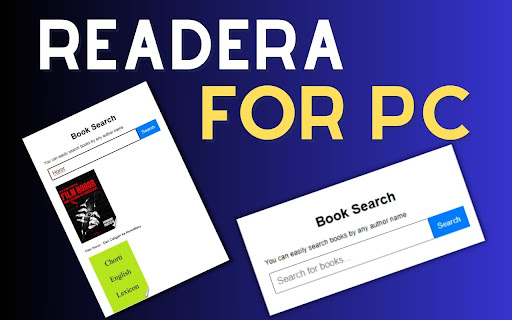
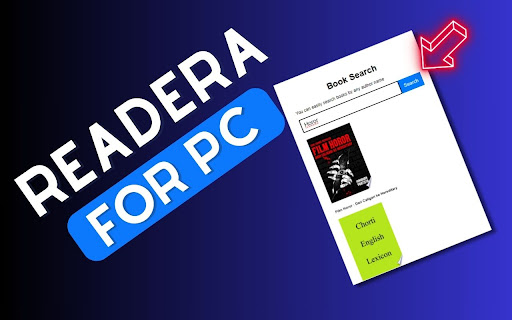
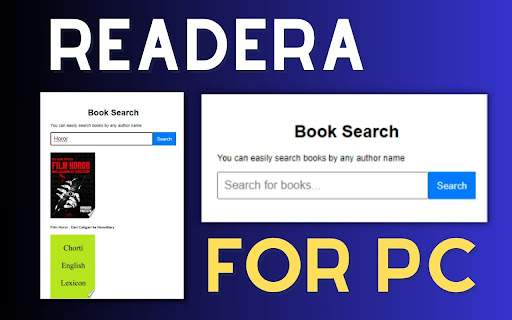
1) Here, you can easily search books by any author's name.
2) You can check whether the new book has been released or when it will be released.
3) Easy to use.
4) Simple extension.
✅ How To Use Readera on PC?
Step 1: Start by adding this extension to your Chrome browser by clicking "Add to Chrome."
Step 2: Next, click on the Extension icon.
Step 3: You will see search Box, Then Here, you can easily search books by any author's name. Verify if a new book has been released or when it is scheduled for release.
Step 4: Enjoy a safer browsing experience!
✅ Disclaimer:
Please note that "Readera for PC, Windows, and Mac" Chrome Extension is an independent product and is not associated, affiliated, or endorsed by the Readera Android app or its developers. We respect intellectual property rights and make no claim to any copyrights associated with the Readera Android app.