Keep Tabs
by gpal1333
users
Published
May 7, 2023
Screenshots
Description
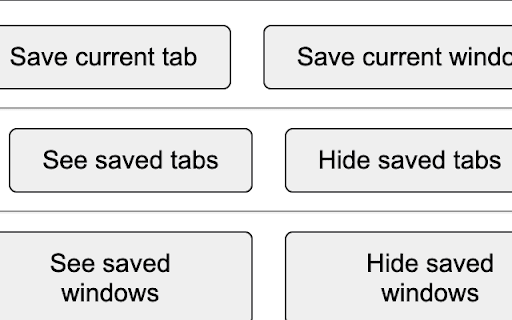
This extension offers the functionality to save your current tab or window. When the relevant button is clicked, the saved tabs or windows will be displayed on the screen, organized by the date they were saved, from most recent to least. Right clicking on the tabs/windows offers relevant options on a context menu to rename them, as well as to open them in a new tab or window (and in the case of saved windows, there is an option to view all the tabs within the window). There is also the option to remove a tab/window from the list of saved tabs/windows. If the user tries to add a tab or window that they already added (this is determined by URLs, e.g. if a tab that the user is trying to save matches a URL in their saved tabs, or if the window they're trying to save has all the same URLs as one of their saved windows), they are notified of which date and title they can find the saved tab/window under to make it easy for them to find it, and the tab/window isn't added to their list of saved tabs/windows (to avoid duplicates).
Add to Chrome
Quick Info
- Version
- 1.0.1
- Size
- 48.42KiB
- Price
- Free
- Type
- Extension
Categories
Languages
English (United States)