Tab navigator
by jiahaothespiderman975.0
3 reviews
39
users
Published
February 14, 2021
Screenshots


Description
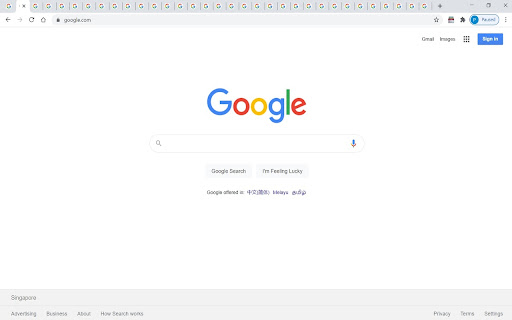
The tab navigator helps you to find the tab that you want to go to if you have so many tabs that you can't even see the title, especially if you have multiple windows with too many tabs.
By opening the tab navigator, a popup with a list opens up, and you can see through the list of tabs and windows, and click the one that you want to go to. But make sure that you don't want to click on the blue underlined link title. Just click on the list item white space if you want to navigate to the link. But if you want to create a new link with the same URL, then do click the link.
Attributions: Icons are made by Pixel perfect and Freepik from flaticon.com
Patch 1.0.1:
- Minor bug fixes
- Default title changed