Where is My Website
by sumityadav81812.9
8 reviews
1.0K
users
Published
February 5, 2024
Screenshots


Description
Focused for Bloggers / Website Owners / Companies
While checking ranking for different keywords it's easier to know where you are at one glance rather than looking at every single URL
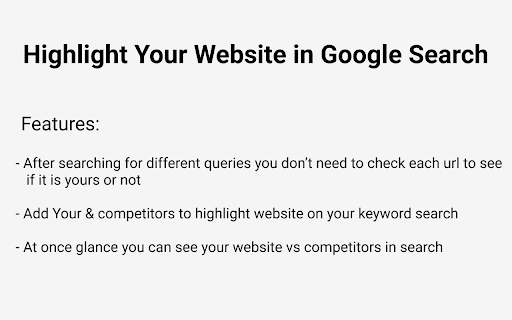
Check Screenshot for more clarity.
Also helpful when you want to quickly know few trusted website in search results like stackoverflow if you are programmer so for your queries you can quickly jump to right website rather than other websites.
Features -
- After searching for different keyword in Google Search you don’t need to look/stare at each result to find if it is yours or not
- Add Your & competitors website to highlight search result on your keyword search queries
- At once glance you can see your website vs competitors in search
Works with Google Search Search Engine at the moment. If you need support for other search engines too let us know.
How to use:
Enter the domain name without http or https and any slashes.
Save and search your queries.
Privacy Policy:
https://apps.thetechbasket.com/where-is-my-website/privacy_policy
Currently Working on below Google Search TLDs:
https://www.google.com/
https://www.google.co.in/
https://www.google.ae/
https://www.google.co.jp/
https://www.google.co.nz/
https://www.google.co.uk/
https://www.google.com.au/
https://www.google.com.hk/
https://www.google.com.ng/
https://www.google.com.pk/
https://www.google.com.sg/
https://www.google.de/
https://www.google.fr/
Need more? Mail us