

dTools - member list saver for Discord
by automatismworks4.3
35 reviews
1.0K
users
Published
December 16, 2025
Screenshots

Description
Boost Your Discord Server Management with dTools – The Ultimate Member List Saver! 🚀
Are you tired of manually tracking each member in your Discord server? Say goodbye to the hassle! dTools is here to simplify your life. With just a few clicks, you can export a complete list of members from your Discord server, making your management tasks easier than ever.
🎯 Key Features
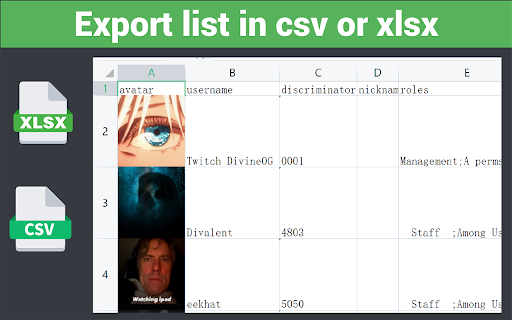
Effortlessly export member IDs and usernames.
Save member roles in a snap.
Download avatar pictures directly to your device.
Keep track of member activity seamlessly.
Capture and export member join times with ease.
🛠️ How to Get Started
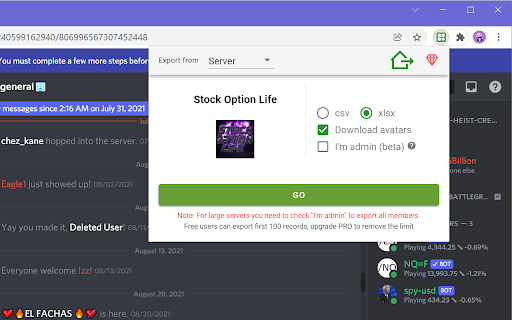
Install the Extension: Add dTools to your Chrome browser.
Visit Any Discord Server: Open a new tab and go to your desired server.
Activate the Tool: Click the extension icon and then hit ‘GO’.
Download Your Data: Once the data loads, your CSV/XLSX file will download automatically. Prefer manual control? Simply click the button to save it.
📜 Terms of Use
For detailed terms, visit https://automatism.works/dtools/terms-of-use.html.
💬 Need Support?
We're here to help! Reach out anytime at [email protected].
Make your Discord server management smarter and more efficient with dTools. Install now and start saving time today! 🌟


