BrandMonitor – Report & Block Listings
by BrandMonitor5.0
9 reviews
126
users
Published
November 28, 2024
Screenshots
Description
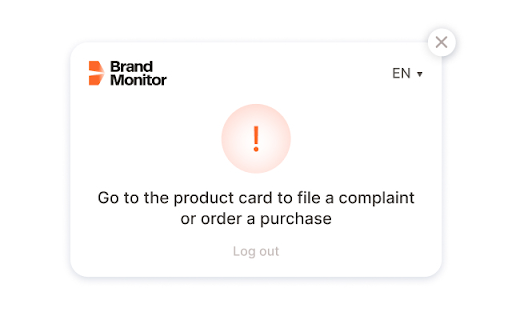
Regardless of whether you are on a standard website or an online marketplace like Amazon, utilize our extension to file a claim against a counterfeit product, request a test purchase or authorize a seller. Everything you need is just one click away!
How to use it:
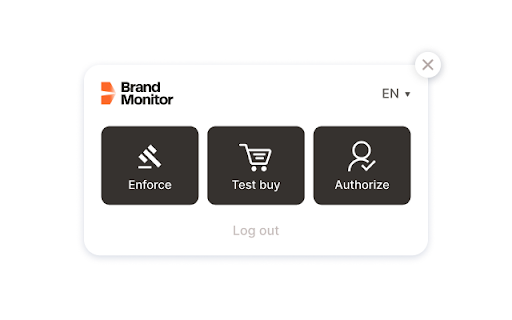
🔒 Filing a claim for a product: Visit the product page, expand the extension, and click the "Complaint" button. The claim is automatically created and sent to the BrandMonitor system, where our specialists will process and verify it for accuracy.
🛍️ Requesting a test purchase: Click "Purchase" to send a direct request to BrandMonitor for a test purchase of the product.
✅ Authorizing a seller: Click "Authorize" and we will add the seller to the list of authorized partners.
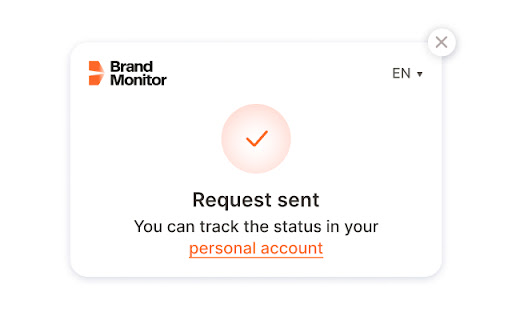
🔗 Checking the status: After each action, you will receive a notification about the successful submission of your data. Click the link to go to your BrandMonitor personal account and check the status of your request.
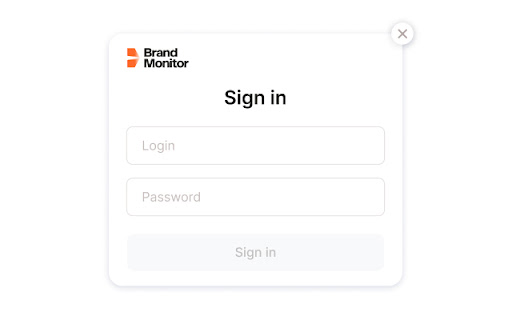
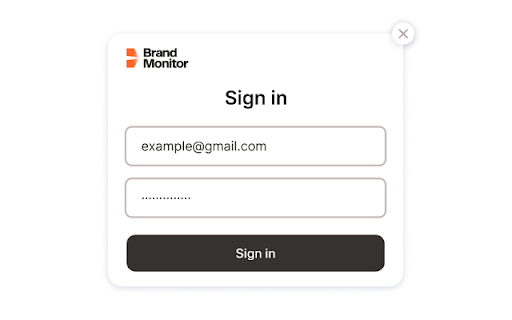
⚠️ Note: Before using the extension, you must log in by entering your BrandMonitor username and password.
Add to Chrome
Quick Info
- Version
- 1.1.3
- Size
- 324KiB
- Price
- Free
- Type
- Extension
Categories
Languages
Englishрусский