jira timebooker
by Helge Ahrens5.0
1 reviews
3
users
Published
November 27, 2023
Screenshots
Description
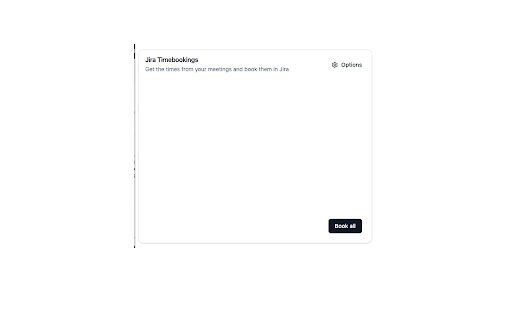
This extension allows you to easily book time in jira cloud based off of meetings scheduled in your calendar.
Features
* read meetings from outlook calendar web view of current day
* parse jira tickets from meeting titles
* search for jira ticket numbers
* store last used ticket numbers based on meeting series
* define default ticket number
* save tickets that have been booked per day already to prevent double booking
* search for projects by prepending #projectkey to search field
* change meeting title prior to booking
* choose to book meetings automatically in 15 min intervals
Usage
* Install the extension following the install guide / install the zip located in the package folder
* Right click on the extension icon and go to options page to fill in jira base url and default ticket number
* Navigate to outlook calendar web view and click on extension icon - Make sure the calnder only shows meetings in day view
* Click on the ticket number to search for a ticket summary or for a ticket number
* Clear out search field to show last used ticket numbers
* Click on the paperplane to book the time on the selected ticket and with a description of the meeting title
* Click book all button to book all tickets in the list