Notebook Web Clipper – Sticky Notes & Save Articles
by Zoho Corporation4.2
1,003 reviews
70.0K
users
Published
December 1, 2025
Screenshots

Description
What's New:
Introducing 'Meeting Notes'. Taking notes during an online meeting is now a breeze with Notebook extension on Chrome. When you're on an online meeting using Zoom, Cisco Webex , Zoho Meeting, and Zoho Showtime, you can see a a popped out Notebook icon which helps you to take quick notes. If you have not logged into your Zoho account in the browser, you can export your meeting notes as a .txt file. You can choose a notebook and associate tags before you save your meeting notes to Zoho Notebook.
Notebook Web Clipper
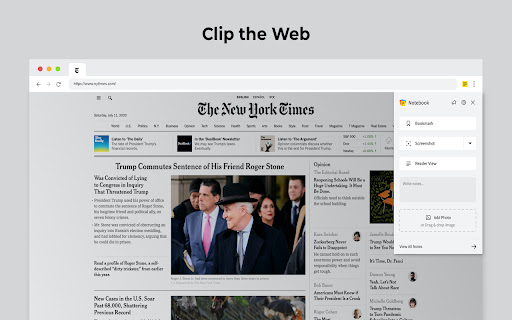
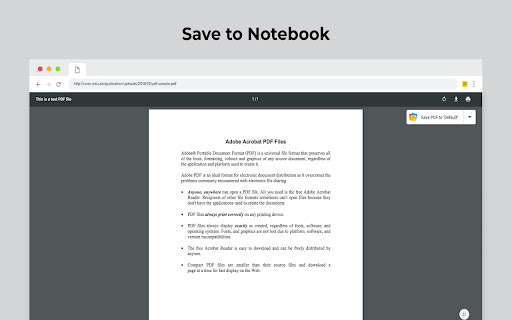
Clip content from the web to your Notebook with Web Clipper. Clipped content, saved as Note Cards, are immediately synced across your devices. Please download Notebook apps from Google PlayStore(https://play.google.com/store/apps/details?id=com.zoho.notebook) or Apple AppStore(https://itunes.apple.com/us/app/notebook-take-notes-sync-across-devices/id973801089?ls=1&mt=8). You can also view your notes from https://notebook.zoho.com.
What can you clip?
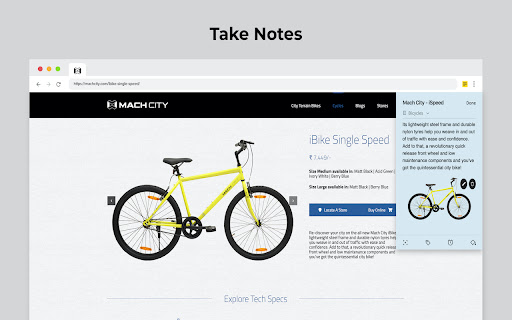
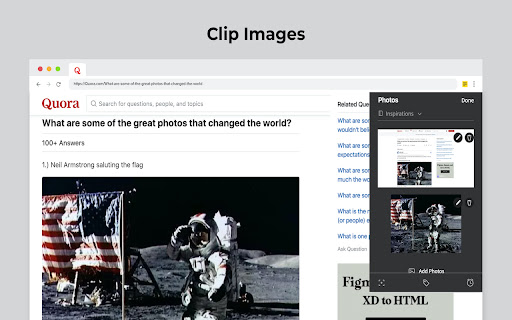
* Be it a new recipe you want to try or the next place you want to visit, clip text, images, or links into a note card, and save to a specific notebook.
* Want to save an article for future reference? With Clean View, you can save the entire article as a note card, minus the ads.
* Need to quickly grab a screenshot of a web page? The 'Screenshot’ option quickly saves the screenshot as a Photo Card.
* Convert any link to Smart Cards. Refer https://www.zoho.com/notebook/smart-card.html for more details on Smart Cards.
* Annotate images / screenshots before you add those in Notebook. We've added a complete annotation tool to edit your images.
* Use Meeting Notes to take quick notes on an online meeting using Zoom, Cisco Webex, Zoho Meeting and Zoho Showtime.
Web Clipper can also be used to create note cards.
Have a quick thought you want to note without leaving your browser? Create a quick note from scratch right from your browser. You can also add photos directly from your computer to Web Clipper.
Write your feedback to [email protected]
zoho.com/notebook
Add to Chrome
Quick Info
- Version
- 3.3.2
- Size
- 2.58MiB
- Price
- Free
- Type
- Extension
Categories
Languages
DeutschEnglishFilipinoIndonesiaMelayuNederlandsTiếng ViệtTürkçecatalàdanskeestiespañolfrançaishrvatskiitalianolatviešulietuviųmagyarnorskpolskiromânăslovenčinaslovenščinasuomisvenskačeštinaΕλληνικάбългарскирусскийсрпскиукраїнськаעבריתالعربيةفارسیमराठीहिन्दीবাংলাਪੰਜਾਬੀગુજરાતીଓଡ଼ିଆதமிழ்తెలుగుಕನ್ನಡമലയാളംไทย日本語한국어