Cool Translator
by wsbaser4.2
18 reviews
304
users
Published
March 28, 2023
Screenshots
Description
To translate:
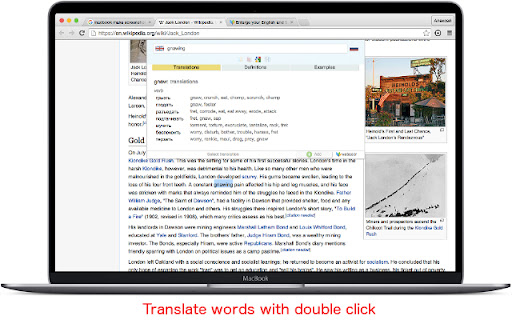
★ Press Ctrl+Space (Shift+Space for Mac), type the word, press Enter.
★ Select the word, press Ctrl+Space (Shift+Space for Mac).
Netflix:
Click on the word in subtitles will stop video and display translation.
Pressing Space key will hide Cool Translator and start video again.
Supported sources:
1. Google Translator (translate.google.com)
2. Linguee Dictionary (linguee.com)
3. freecollocation.com
4. thefreedictionary.com
5. multitran.com