

ClickPilot Clipper
by ClickPilot5.0
1 reviews
674
users
Published
September 27, 2025
Screenshots

Description
Quickly add any YouTube video to your ClickPilot project boards.
Build a library of inspiration to fuel your next big idea.
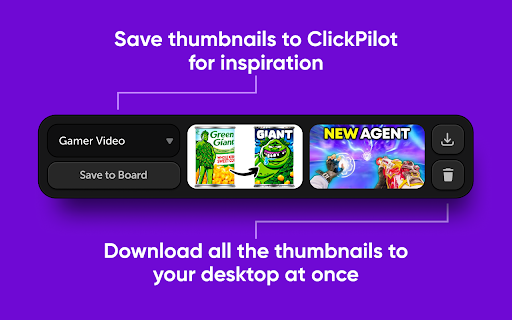
You can even download any YouTube thumbnail to your computer with ease.
HOW TO USE:
1. Open the extension and log in with your ClickPilot account.
2. Simply click the ClickPilot icon next to your desired video to add it to your bucket.
3. You can add as many videos to your bucket as you like.
4. Choose the ClickPilot project to save the videos to and click Save.
5. If you want to download the thumbnail images to your computer instead, just click the download button.


