Bard2PDF - Convert Bard to PDF
by carl0077662.7
3 reviews
287
users
Published
August 27, 2023
Screenshots

Description
Firstly, you need to search and download the "Bard2PDF " Chrome extension in the Chrome web store.
After installation, visit Twitter and find the content you want to save.
On the page where the content is located, click the "Bard2PDF " extension icon in the top right corner of your browser.
https://bard.google.com/ on this site,you can save you chat content to pdf . Once done, click on the "Download PDF" button.
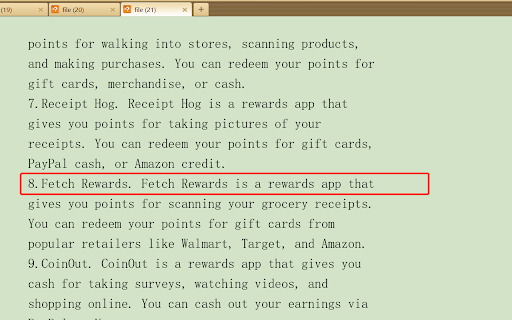
Wait for a few moments until the PDF file is downloaded. You can find the file by clicking the "Finished" button on the browser's download progress bar and then opening it through a PDF reader.