Linkedin Message Assistant
by anchen9
users
Published
December 12, 2023
Screenshots
Description
Writing assistant for LinkedIn messages using the local LLM.
- Install the extension
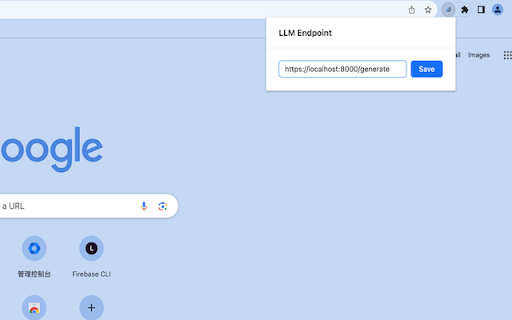
- Click on the extension icon.
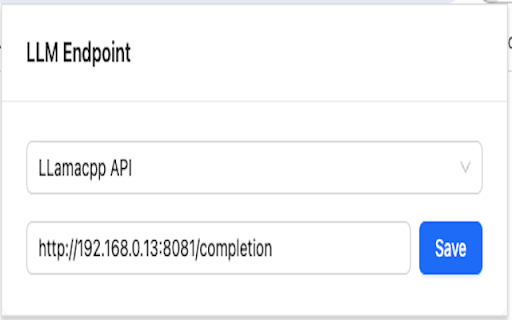
- Paste your local LLM url (e.g. TGI endpoint `http://localhost:8000/generate` or Llamacpp endpoint `http://localhost:8000/completion`) and click on `Save`.
- Open Linkedin message page in your browser.
- Type your objective or intention of the message in the text box and click the button at the bottom to generate the message.
- Enjoy!
Limitations:
- Currently, only the dolphin-2.2-yi-34b model prompt format is supported due to it being the best model I found for writing LinkedIn messages assistant.
- The backend API only supports the HuggingFace text generation inference because it is the most production-ready and easy to use.