
Version Control Utils
by rahulkishanv15
users
Published
May 22, 2023
Screenshots
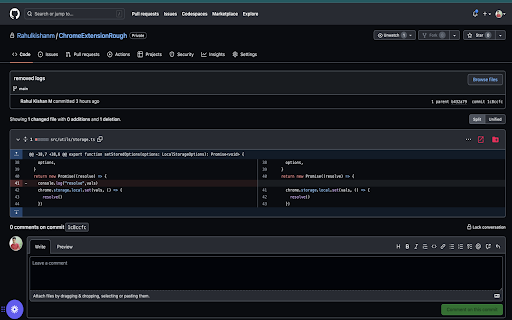
Description
The current version of the extension offers two convenient buttons:
Open File: This button allows you to directly access and open the file mentioned in the pull request or commit, stored locally on your system.
Generate Command: With this button, the extension generates a command and stores it in your clipboard. You can simply paste the command into your terminal to effortlessly create files and folders that match the structure of the file in the Git repository.
How to use:
1. Click on the extension's pop-up icon to access the main interface.
2. In the interface, easily add the root path of any repository that you want to open directly from Git.
3. Set the current directory by clicking the home button, ensuring that the extension opens the desired directory by default.
Utilize the available buttons in the interface to seamlessly navigate and interact with the extension's features.