
QR Code
by Jackie(Guokai) Han4.7
52 reviews
100.0K
users
Published
August 25, 2023
Screenshots


Description
This extension help you generate QR code for links and text, while supporting scan QR code through context menus, local files and webcam. All functions execute locally on your browser, no data send to server.
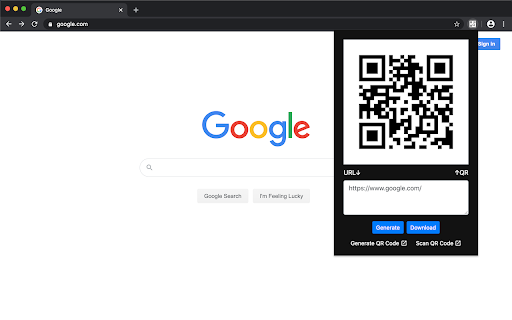
1. When you click the extension icon, it shows you QR code for current page URL. And you can change input and download QR code. There are two buttons at the bottom for custom generating and scanning QR code in a new page.
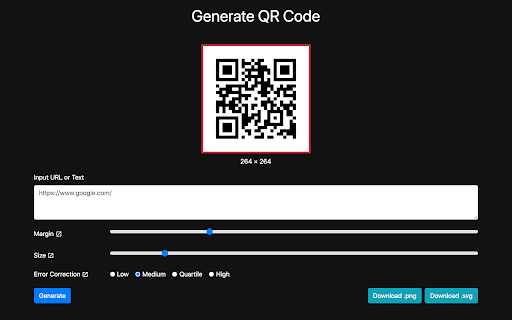
For generating QR code, you can:
• Input any URL or text
• Adjust margin
• Adjust size
• Adjust error correction
• Download as png or svg file.
• Copy to clipboard.
For scanning QR code, it supports:
• Scan an image by it's URL
• Select or drag and drop a local image file
• Scan with camera
2. Through context menus on web page, you can:
• Scan QR Code From Images
• Generate QR Code for Page Link
• Generate QR Code for Selected Text
• Generate QR Code for Link Address
• Generate QR Code for Media(image, audio and video) Address
In addition, it also supports scanning other barcode types on the latest macOS or Chrome OS. For example, on macOS, it supports the recognition of these types of barcodes: "aztec", "code_128", "code_39", "code_93", "data_matrix", "ean_13", "ean_8", "itf", "pdf417", "qr_code" and "upc_e ".