
Pomodoro Timer PRO
by thebestwebservices4.0
54 reviews
7.0K
users
Published
July 13, 2025
Screenshots


Description
Capabilities:
1. Run after installation
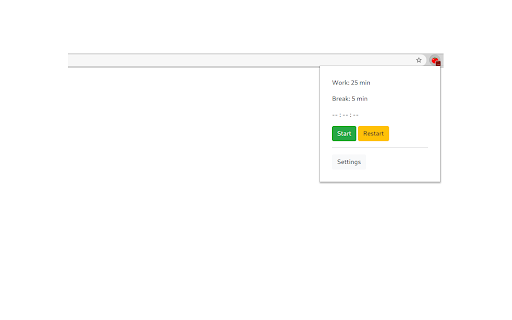
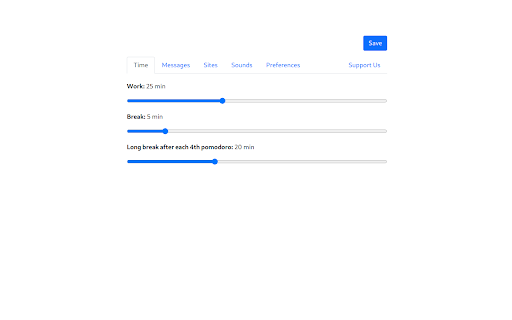
2. Setting up work and break time
3. Manual start, stop and restart the timer
4. Blacklist/Whitelist switcher
5. Configure the list of sites that will be blocked/allowed during the work mode
6. Auto-block the site, if the tab has already been opened
7. Long break after each 4th pomodoro
8. Timer deactivation after 15 minutes of inactivity
9. Ability to select notification sound or disable sound completely
Changelog:
v2.0.0
- Manifest v3 support
v1.0.1
- Removed "tabs" permission
v1.0.0
- More fresh design
- Now by default after starting the browser the timer will be stopped. You can change it on Options page
- Timer deactivation after 15 minutes of inactivity
- Added notification sounds with ability to disable or change sound
v0.3.0
- Added ability to change texts in popups
I will be glad to listen to all the comments and wishes.
Add to Chrome
Quick Info
- Version
- 2.0.0
- Size
- 309KiB
- Price
- Free
- Type
- Extension
Categories
Languages
Englishрусскийукраїнська