Previous Tab
by previoustab.com4.8
134 reviews
20.0K
users
Published
July 11, 2024
Screenshots

Description
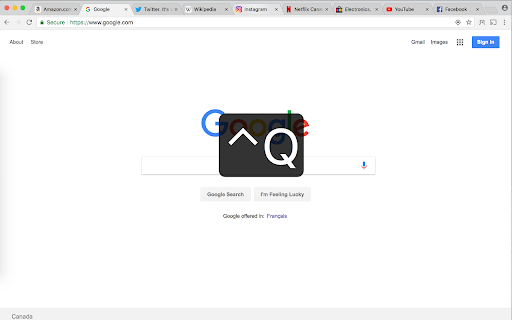
Switch to the previously active tab (last tab) by pressing Ctrl+Q, or clicking the Previous Tab icon.
You can change the keyboard shortcut by visiting chrome://extensions/shortcuts .
Chrome does not allow any extensions to use Ctrl+Tab or Ctrl+` as keyboard shortcuts.
The supported keys are Alt, Ctrl, Cmd along with:
A-Z, 0-9, Comma, Period, Home, End, PageUp, PageDown, Space, Insert, Delete, Arrow keys (Up, Down, Left, Right) and the Media Keys (MediaNextTrack, MediaPlayPause, MediaPrevTrack, MediaStop).
Donations are appreciated at donate.previoustab.com