Style Tab
by C.C.CREATE4
users
Published
September 12, 2025
Screenshots
Description
( "manifest_version": 3 )
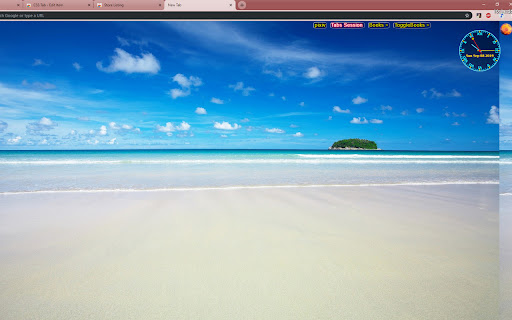
1. The Amazing thing is that you can use Any Your Favorite Picture as Any website's or newtab's background !
It's easily to set any local picture as web site's or tab background image. picture can change randomly when fresh or open new tab overtime set;
2. Customize and Redesign any website to your own color scheme and themes , like backgrounds, color schemes, youtube skins, fonts.
And you can Create your own user styles (CSS, the themes for websites) or just modify the default CSS.
3. Others Functions:
Save tab sessions;
Save html with css and images;
4. Tips:
1.to set local picture as others web site's background, config css is necessary,and there is default css
2.when config css,empty the background url ,but with leave quoting ,like this: background: url("");
3. if use picture's path, Raher Than Picture's base64 Cache:
a).set " Allow access to file URLs" in "manage Extensions"
b).check: Options--advance--OtherOptions--ConfigPictures_usePictureCacheRaherThanPicturePath
c).when config picture path ,input pictures full path,like this:
C:\_Temp\111.png
C:\_Temp\ttt 01.jpg