Home Shortcut for Chromebook™
by Mythical 5th3.7
6 reviews
1.0K
users
Published
March 4, 2025
Screenshots
Description
Primarily for Chromebook™ users, for their keyboards do not have a Home key.
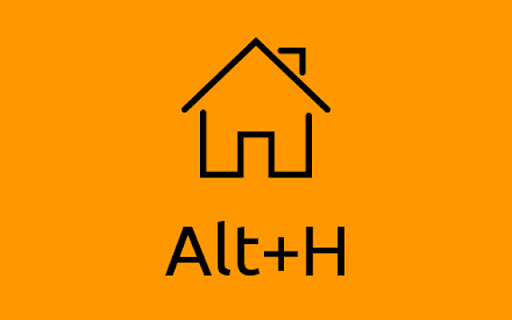
This extension adds a keyboard shortcut for the browser Home button. By default it will be set to Alt+H unless that shortcut is being used by another extension. To change the shortcut, paste this into the address bar: chrome://extensions/shortcuts
Note 1:
If you have installed a replacement New Tab page, this extension cannot function correctly. This is due to security policies within Chrome™.
Note 2:
By default in Chrome™ the Homepage is the same as the New Tab page, but this can be changed in the Settings. This extension does not have access to that setting so it will load the New Tab page even where a Homepage has been specified. If you use a separate Homepage and want that to be loaded by this extension, click the "Options" link in the toobar button's context menu and enter the Homepage address.
Credits:
Home, house, streamline icon by Webalys
https://www.iconfinder.com/icons/185038/home_house_streamline_icon
https://dribbble.com/webalys
Trademarks:
Chrome and Chromebook are trademarks of Google Inc.
Add to Chrome
Quick Info
- Version
- 1.0.8
- Size
- 10.3KiB
- Price
- Free
- Type
- Extension
Categories
Languages
English (United Kingdom)