Directory Index Media Player
by andornaut3.9
10 reviews
505
users
Published
August 17, 2017
Screenshots
Description
*Features*
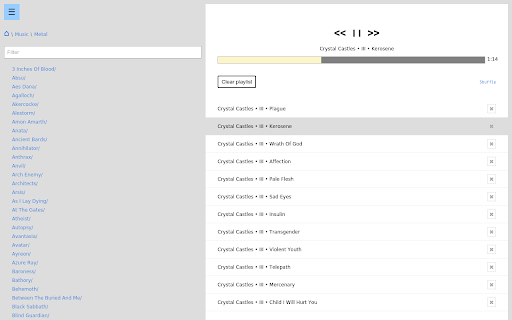
- Plays all of the audio and video formats that Google Chrome supports.
- Remembers your playlist and settings.
- Comprehensive keyboard shortcuts.
- Minimal, fast, easy.
*Instructions*
Local files:
- Click the menu button in the top-left of the DIMPL window.
- Select the "Local" tab.
- Click "Browse" and navigate to the root of your media library.
Web files:
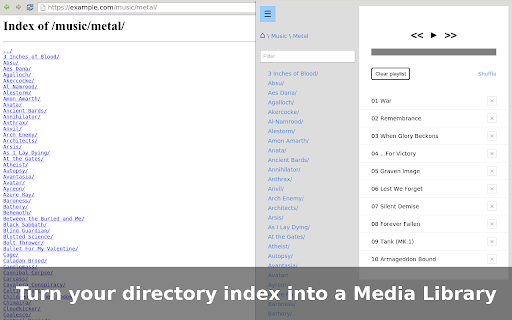
- Make your media directory accessible from the web.
- Enable your web server's automatic directory indexes.
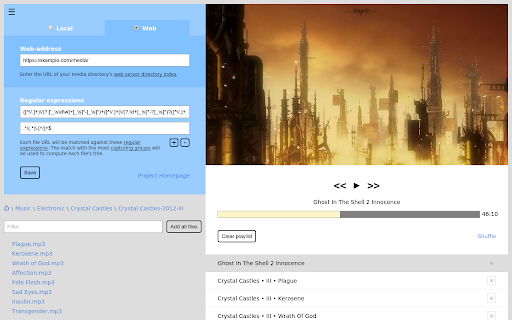
- Click the menu button in the top-left of the DIMPL window.
- Select the "Web" tab.
- Enter your media directory's web-address
DIMPL is open source:
https://github.com/andornaut/dimpl