Scroll Back
by chrisk5.0
2 reviews
54
users
Published
November 9, 2021
Screenshots

Description
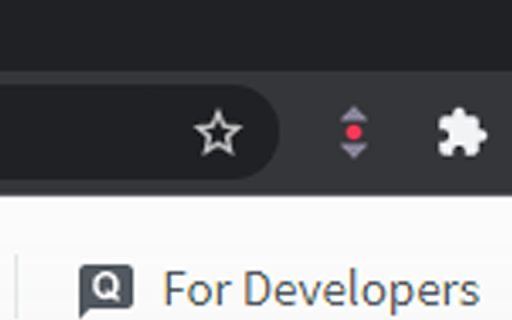
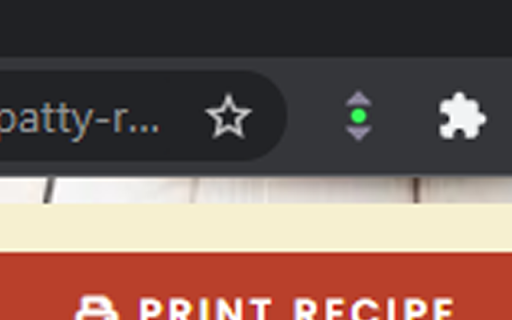
Click on the icon, setting it to green, to save the current scroll position on a webpage. Click on the icon again, setting it to red, to auto scroll the webpage back to the top when refreshed. Click on the icon again to reset back to the default mode (normal chrome scrolling).
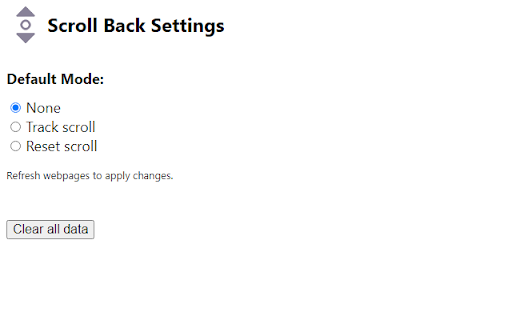
You can change default setting (mode) by going to the options page.
This should work for most websites but not pdf.
Feel free to report issues or contribute at https://github.com/ChrisK-wong/Scroll-Back
Add to Chrome
Quick Info
- Version
- 1.0
- Size
- 11.78KiB
- Price
- Free
- Type
- Extension
Categories
Languages
English (United States)