Search in PeeringDB
by Joel Pacheco5.0
2 reviews
258
users
Published
December 4, 2023
Screenshots


Description
Very lightweight and simple extension to search for AS numbers, Networks, Facilities, and general queries in PeeringDB using the icon on the extension bar, the context menu, and your address bar in Chrome.
You'll always be a couple of clicks away from searching the largest interconnection database of the industry.
Instructions:
[New] Using Address Bar (Omnibox)
Write pdb followed by a space, input your search query and hit enter.
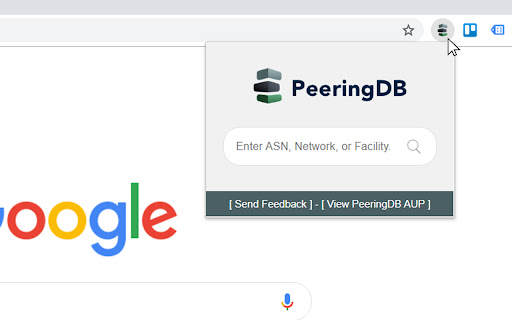
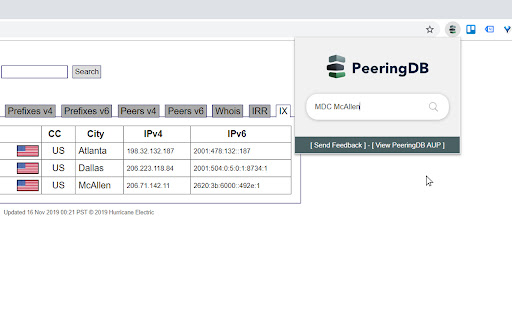
Using Icon on Extension Bar
Just click on the icon and input your search query on the box.
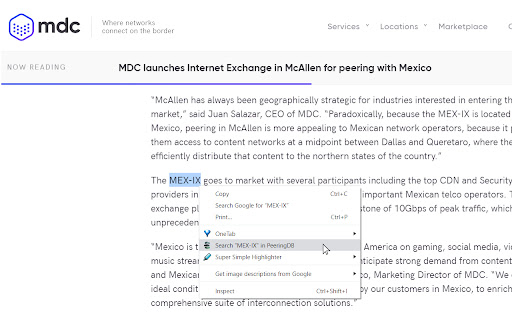
Using Context Menu
Highlight text on a page, right click, and select "Search in PeeringDB".
If the query or highlighted text is a number, the extension will look for an ASN in PeeringDB. Otherwise, it will perform a standard search on the website. For both methods, search will open in a separate tab.
I hope you use it as much as I do!
Changelog:
3.0
- Implemented Manifest V3
- Added Omnibox feature to search using Chrome's address bar with key 'pdb'
- Improved deprecated JavaScript functions
- Updated developer email
2.1
- Autofocus on search box
2.0
- PeeringDB Search Box
1.2
- Updated PeeringDB logo