Yoti Password Manager
by Yoti4.7
17 reviews
5.0K
users
Published
July 31, 2024
Screenshots


Description
Yoti Password Manager helps you:
- Access and use your login details without having to remember any passwords.
- Easily access and use your login details using password manager across multiple platforms and devices.
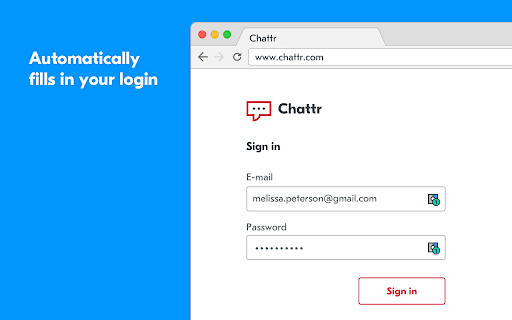
- Automatically fill in your login details for you when you visit your favourite websites.
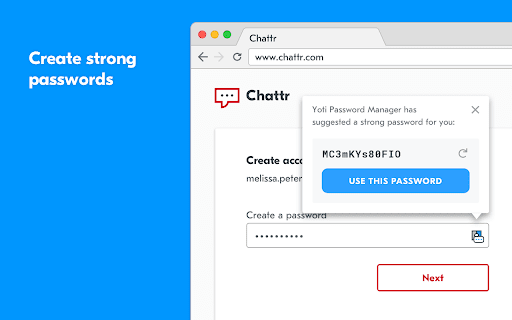
- Generate strong, unique passwords for each of your online accounts using password manager.
- Automatically lock your login details to keep them safe when you’re away from your computer.
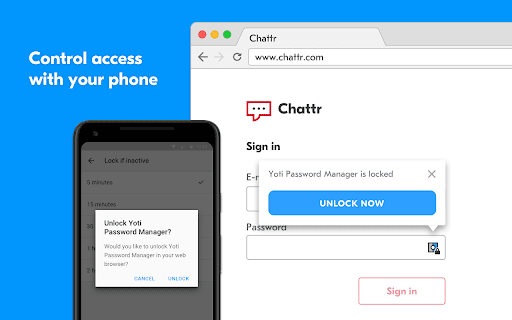
You need the free Yoti app to use Yoti Password Manager. It’s how we ensure that you, and only you, can access and use your passwords. The Yoti app is the new way to prove who you are, giving you a trusted digital identity to use online and in person. You can use the Yoti app to securely connect to, unlock and lock Yoti Password Manager as and when you want to.
Over 2 million people have already downloaded the Yoti app, with thousands more downloading every day. Just search 'Yoti' in the iOS or Android app stores.
Keeping your data safe is our highest priority. To protect every piece of information you give us when you register your Yoti account – whether it be your photo, date of birth, address or passwords – we scramble it with AES 256-bit encryption. The private keys that unlock your data are stored on your device. Nobody else, not even Yoti, can access these keys.
Add to Chrome
Quick Info
- Version
- 1.12.9
- Size
- 1.63MiB
- Price
- Free
- Type
- Extension
Categories
Languages
English (United Kingdom)