NoEval - Disable Eval()
by Keller5.0
3 reviews
229
users
Published
March 4, 2025
Screenshots
Description
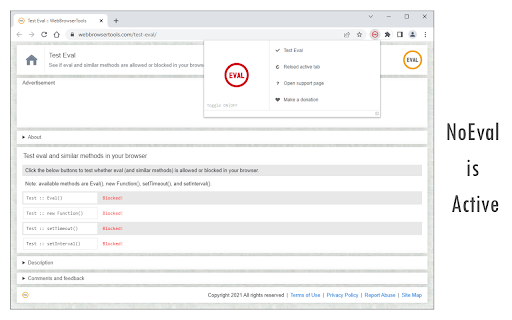
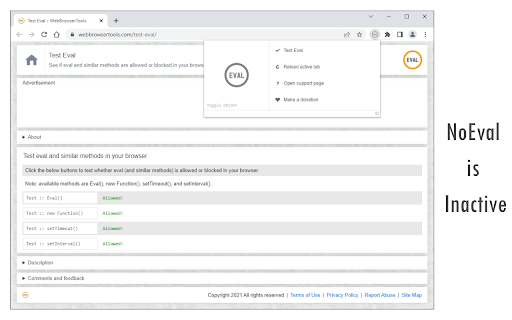
NoEval extension disables window.eval() function on all webpages. It also disables similar approached to eval() when the input argument's type is String:
1. eval('sample code')
2. (new Function('sample code'))()
3. window.setTimeout('sample code', delay)
4. window.setInterval('sample code', delay)
When eval or similar methods are used on websites, users might be at risk in terms of security. Please visit the below page to get more info about eval and why it is a dangerous function: https://developer.mozilla.org/en-US/docs/Web/JavaScript/Reference/Global_Objects/eval#Never_use_eval!
To turn the extension ON/OFF, please open the toolbar popup and then press the toggle button on the left side. Next, please reload all open tabs for changes to take effect.
If you found a bug, or have a feature request in mind, please fill out the bug report form on the add-on's homepage (https://mybrowseraddon.com/noeval.html).