YouTube URL Shortener
by YtMp31.0K
users
Published
November 25, 2022
Screenshots

Description
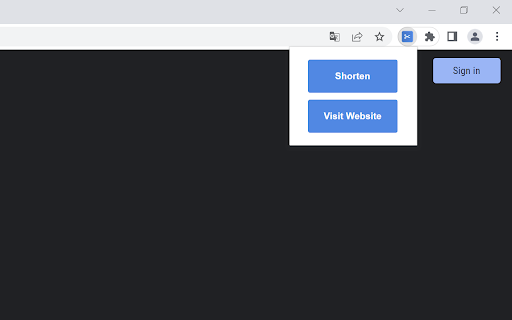
The Add-On will add a new Icon to your browser toolbar. After installing the Add-On, just visit a YouTube video URL (example: youtube.com/watch?v=id or youtube.com/shorts/id) and click on the Add-On icon. A small PopUp will open and show you a "Shorten" button. With a click on that button you will be redirected to our website that will automatically shorten the YouTube video URL. You will get 2 URLs. The official short YouTube video URL (youtu.be/id) and an even shorter URL using our website yts.nu which will be valid for 48 hours, allowing you to share it on Facebook and Twitter with just a click.
Add to Chrome
Quick Info
- Version
- 1.1
- Size
- 11.76KiB
- Price
- Free
- Type
- Extension
Categories
Languages
English (United States)