
Webtop.com Browser Extension
by Webtop.com5.0
3 reviews
1.0K
users
Published
December 1, 2023
Screenshots


Description
Take advantage of the Webtop Browser Extension with Secure Vaults.
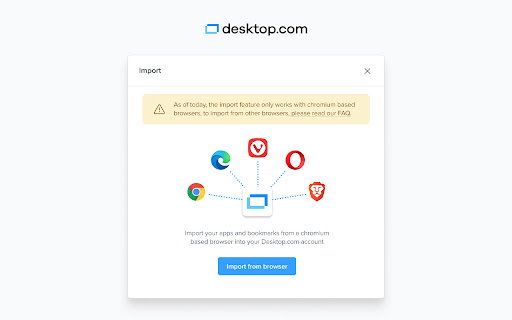
Quick-import links, bookmarks and web apps to your Webtop.com workspace and move seamlessly across accounts with password select and vaults.
- Direct-save links to easily share & store with your teams
- Get one secure vault inside the browser extension per workspace you’re a member of.
- Unlock the vault for all, or a selection of, your workspaces.
- Easily switch between workspaces and vaults.
- The Vault will store and suggest your passwords so that you can easily select and apply them
- Passwords will be organized by All – Connected – Group Passwords
- You’ll be able to copy or edit credentials
- Easily add new passwords to be stored in the Vault right from the browser extension
- Generate new passwords based on your preferences for length, numbers, symbols, lowercase or uppercase.
Optimize the way you work across apps, devices and teams with Webtop.com, today!